Even in 2026, the Nvidia RTX 3090 and RTX 3090 Ti remain fascinating pieces of hardware. They were the first Big Ferocious GPUs, and at launch they promised 8K gaming. In reality, 4K is where they still shine, especially in a demanding open-world title like Cyberpunk 2077. With the Phantom Liberty expansion and the game's 2.0+ updates, Night City looks better than ever, but it also punishes weaker GPUs. Fortunately, owners of these Ampere flagships can still enjoy smooth framerates with the right settings.
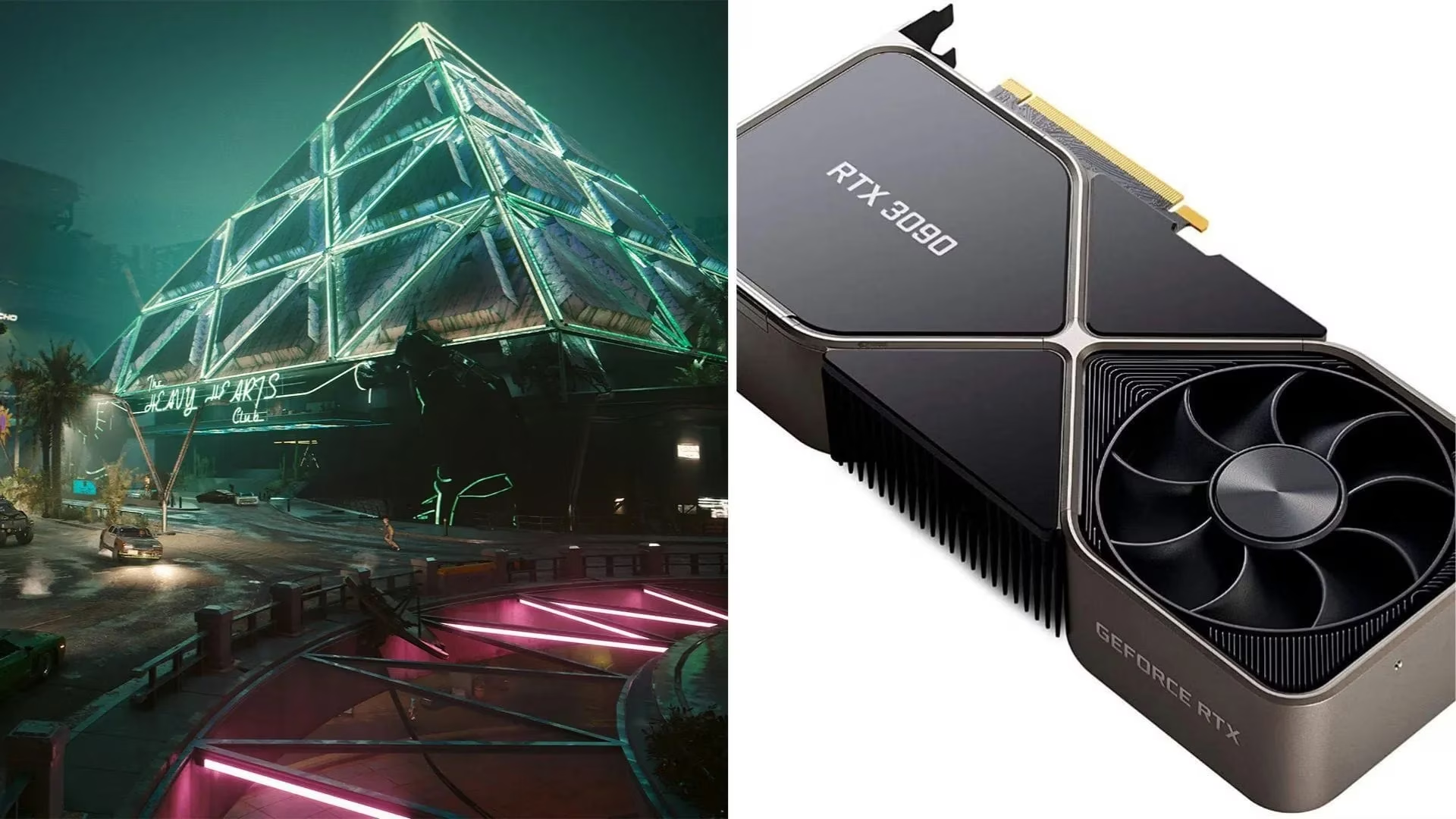
So, what does that mean for players? The RTX 3090 and 3090 Ti are no longer the newest cards on the block, but they are far from obsolete. The 3090 still ranks among the most powerful GPUs ever released, and it can even beat the newer RTX 4070 Ti in some games. The 3090 Ti adds slightly more rendering power, thanks to beefier hardware and faster VRAM. That extra headroom lets it push a higher DLSS preset while keeping visual quality high.
Why these cards still matter in 2026
Cyberpunk 2077 remains a benchmark for ray tracing and image quality. CD Projekt Red has continued to polish the game, and the Phantom Liberty expansion made Dogtown one of the most visually dense areas in any open-world title. For RTX 3090 and 3090 Ti owners, the goal is simple: target 4K, enable ray tracing, use DLSS Super Resolution, and leave path tracing for screenshots. The 24GB of VRAM on both cards also helps with high-resolution textures and heavy ray-traced workloads.
Best settings for RTX 3090 and RTX 3090 Ti
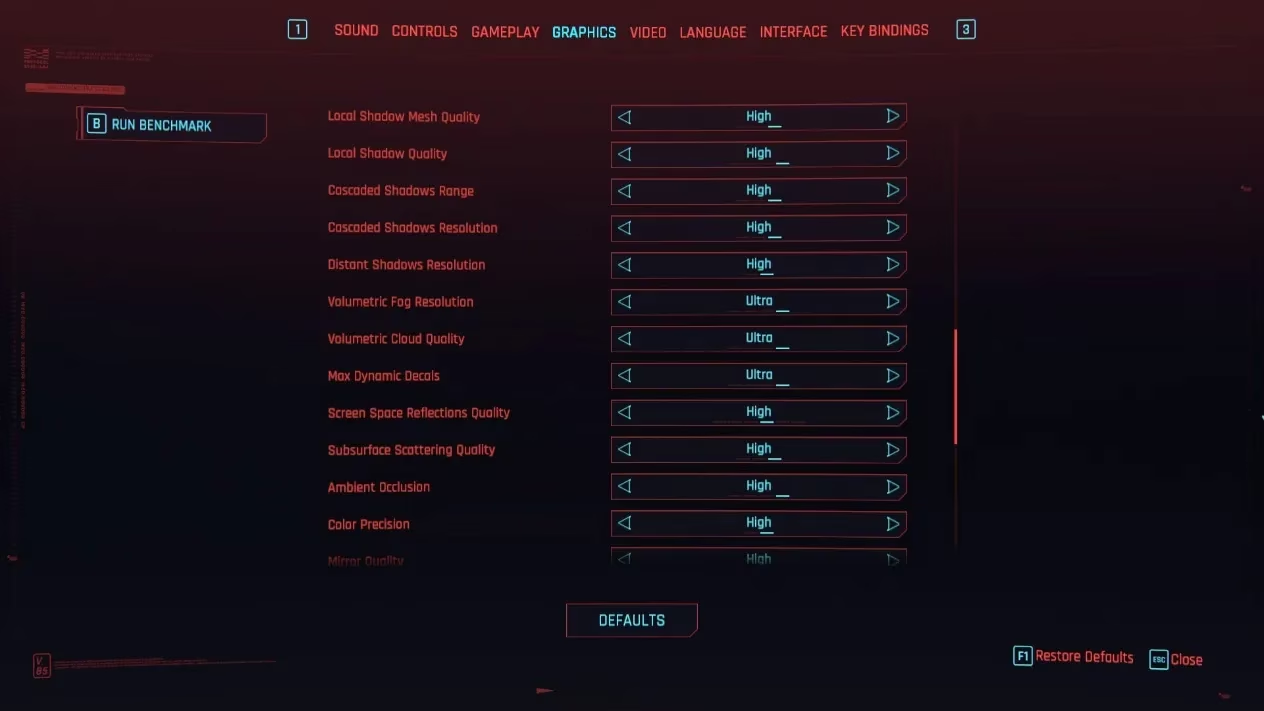
The table below combines the recommended settings for both GPUs. The only major difference is DLSS Super Resolution: the RTX 3090 uses Balanced, while the RTX 3090 Ti can afford Quality.
| Setting | RTX 3090 | RTX 3090 Ti |
|---|---|---|
| Quick preset | Custom | Custom |
| Texture quality | High | High |
| DLSS frame generation | N/A | N/A |
| DLSS Super Resolution | Balanced | Quality |
| Nvidia DLAA | Off | Off |
| Dynamic resolution scaling | Off | Off |
| AMD FidelityFX Super Resolution 2.1 | Off | Off |
| AMD FSR 2.1 image sharpening | Off | Off |
| Intel Xe Super Sampling 1.1 | Off | Off |
| Field of view | 80 | 80 |
| Film grain | On | On |
| Chromatic aberration | On | On |
| Depth of field | On | On |
| Lens flare | On | On |
| Motion blur | High | High |
| Contact shadows | On | On |
| Improved facial lighting geometry | On | On |
| Anisotropy | 8 | 8 |
| Local shadow mesh quality | High | High |
| Local shadow quality | High | High |
| Cascaded shadows range | High | High |
| Cascaded shadows resolution | High | High |
| Volumetric fog resolution | High | High |
| Volumetric cloud quality | Ultra | Ultra |
| Max dynamic decals | Ultra | Ultra |
| Screen space reflection quality | High | High |
| Subsurface scattering quality | High | High |
| Ambient occlusion | High | High |
| Color precision | High | High |
| Mirror quality | High | High |
| Level of Detail (LOD) | High | High |
| Crowd density | Low | Low |
| Ray tracing | On | On |
| Ray-traced reflections | Off | Off |
| Ray-traced sun shadows | On | On |
| Ray-traced local shadows | On | On |
| Ray-traced lighting | Medium | Medium |
| Path tracing (Technology preview) | Off | Off |
| Path tracing in photo mode (Technology preview) | On | On |
| Monitor | As per preference | As per preference |
| VSync | Off | Off |
| Maximum FPS | Off | Off |
| Windowed mode | Fullscreen | Fullscreen |
| Resolution | 3840 x 2160 | 3840 x 2160 |
| HDR mode | As per preference | As per preference |
| Nvidia Reflex Low Latency | On + Boost | On + Boost |
Why these settings work
-
DLSS Super Resolution is essential at 4K. The RTX 3090 handles Balanced well, while the RTX 3090 Ti can step up to Quality for a sharper image. DLSS Frame Generation stays N/A because RTX 30 series hardware does not support it.
-
Ray tracing is turned on, but expensive ray-traced reflections are disabled. Screen space reflections at High still look good, and the performance saved is better spent on sun shadows, local shadows, and medium ray-traced lighting.
-
Crowd density is set to Low. This is especially important in Dogtown, where dense crowds can stress the CPU and cause frame drops. Lowering crowd density keeps the action smoother without ruining the atmosphere.
-
Path tracing remains off for gameplay. It is a technology preview for a reason, and even the RTX 3090 Ti struggles at 4K with path tracing enabled. Photo mode can turn it on for beautiful stills.
-
Nvidia Reflex On + Boost reduces input latency, which matters in a first-person shooter. VSync and maximum FPS are off to avoid extra latency, though players with a VRR display may prefer a frame cap through the Nvidia Control Panel.
2026 performance notes and tips
As of 2026, Cyberpunk 2077 supports DLSS 4, and RTX 30 series owners can often override to the transformer model through the Nvidia App. This improves image clarity in motion, but it does not add Frame Generation. The N/A entry for DLSS frame generation remains correct for Ampere cards. Players should also keep their drivers updated, because CD Projekt Red and Nvidia have continued to optimize the game.
In terms of performance, the RTX 3090 should hold around 60 FPS at 4K with DLSS Balanced, medium ray tracing, and no path tracing. The RTX 3090 Ti should be slightly ahead, often staying above 60 FPS with DLSS Quality. Dips can still happen in the busiest parts of Dogtown or during heavy combat, so players may want to lower volumetric fog resolution to Medium or ray-traced lighting to Low if they prefer a locked framerate.
For those who want even more visual fidelity, 1440p is the sweet spot for raising DLSS to Quality or enabling DLAA. At 4K, however, the settings above offer the best balance between beauty and responsiveness. The RTX 3090 and RTX 3090 Ti may be previous-generation flagships, but they can still deliver a premium Cyberpunk 2077 experience in 2026. 🎮🔥